I love Tucson.
We have so many great things, from amazing food, beautiful sunsets, and that awesome big-city, small-town feel.
But with the good we must accept the unfortunate.

The heat is sometimes unbearable, and the dust gets absolutely everywhere.
Computers hate both of these things probably more than we do.
I want to share some tips on how to take care of your computers and other electronics here in our desert homes.
The placement of your device matters
Place desktops and other devices off of the floor. Use a desk or small stand to keep them elevated from our dust-friendly floors.
Use a laptop cooling pad for lap use so you are not setting your laptop directly on your pants or a pillow. This can suffocate the vents on the laptop and prevent optimal cooling. It is not only better for the device. The warmth of the laptop is just going to make you warmer, too.
Avoid placing electronics in direct sunlight. It increases the heat substantially. Keep them cool and shaded.
Avoid placing devices in the direct line of air conditioning or heat vents. Those vents blow dust straight into your computer’s air intake, and heat vents push warm air right where your computer is trying to cool itself.
Place devices in an area with good air flow, just not directly in the air flow.
Dust out your computer every 2 to 3 months
If you have pets or live in one of our extraordinarily dusty places (you know who you are), dust out every two months.
Take the computer outside and use a can of air duster or a shop compressor set to 30 pounds per square inch (PSI). If you use a compressor, add a moisture trap so you are not spraying water onto your components. Hold the fans still while you blow them out so they do not over-spin.
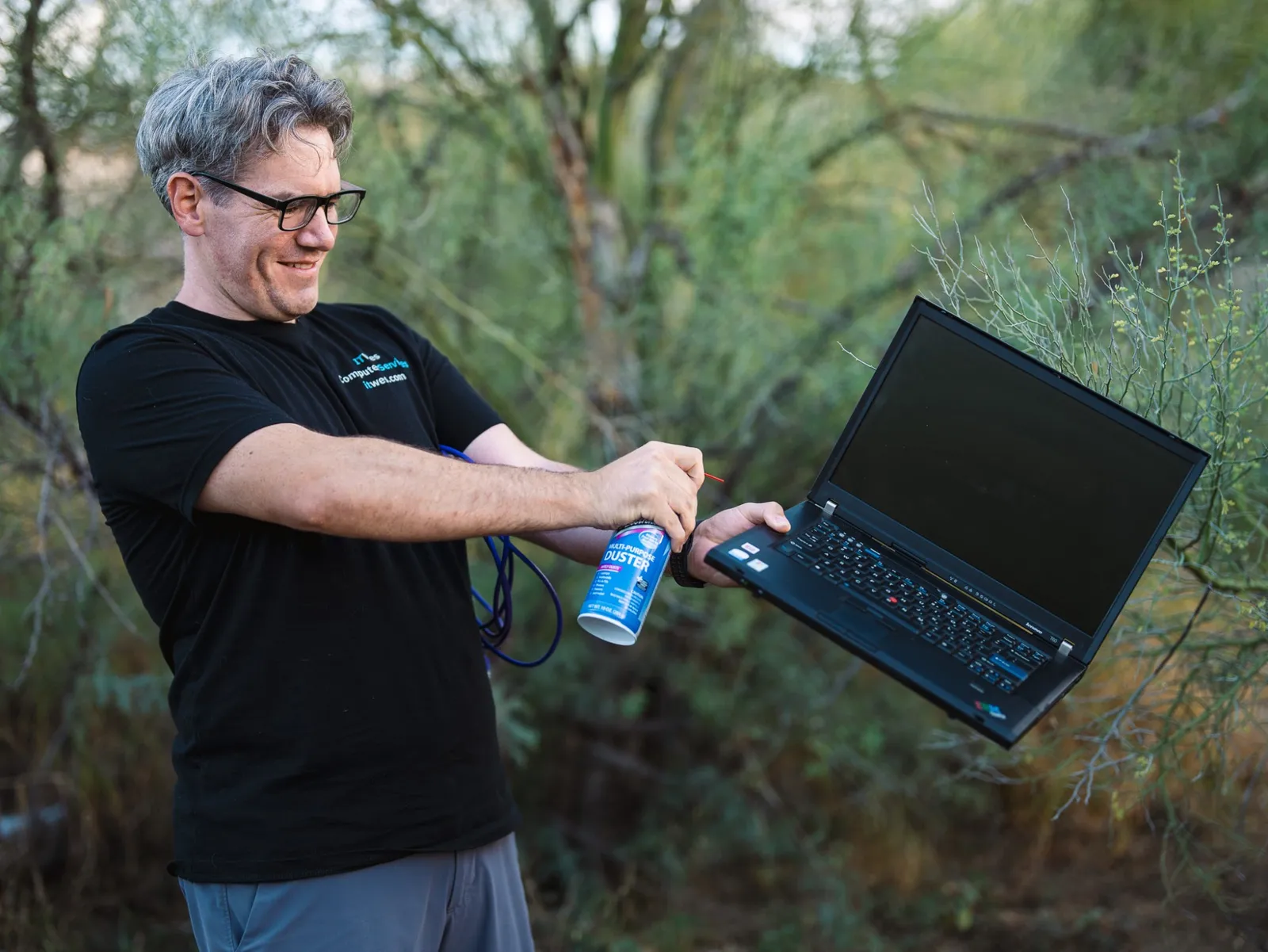
Do not use a vacuum cleaner. The suction can build up static, knock loose small parts, and over-spin your fans.
Make sure to touch the metal case of your computer or use an anti-static wrist strap before touching any internal components of the computer.
Clean up the communications closet
I’ve seen a number of communications closets filled to the brim with running electronics.
This creates heat and ultimately degrades the performance of the devices.
If your router is sitting tightly inside a metal box, take it out and place it on a shelf. You can install a simple floating shelf just big enough for the router. You will cool things off and get better Wi-Fi coverage.
Is my computer overheating?
Random shutdowns, slowdowns, loud fans, or a computer that is hot to the touch are all possible signs of overheating.
Use a tool like HWMonitor to check your temperatures. Feel free to reach out with the numbers, and I will tell you if they are a concern.
My laptop is swollen
This is a sign of a failing battery. You might notice the trackpad lifting, the keyboard bulging, or the case starting to separate. Stop charging the device and get it looked at promptly.
Need help keeping your computer cool?
If you need help with any of this, IT Wes can come out to your home, show you how to dust out your devices safely, and look for any placement or setup issues that might be causing heat problems. We will check whether your computer is overheating and figure out the best way to fix it. Reach out to IT Wes to get on the schedule.