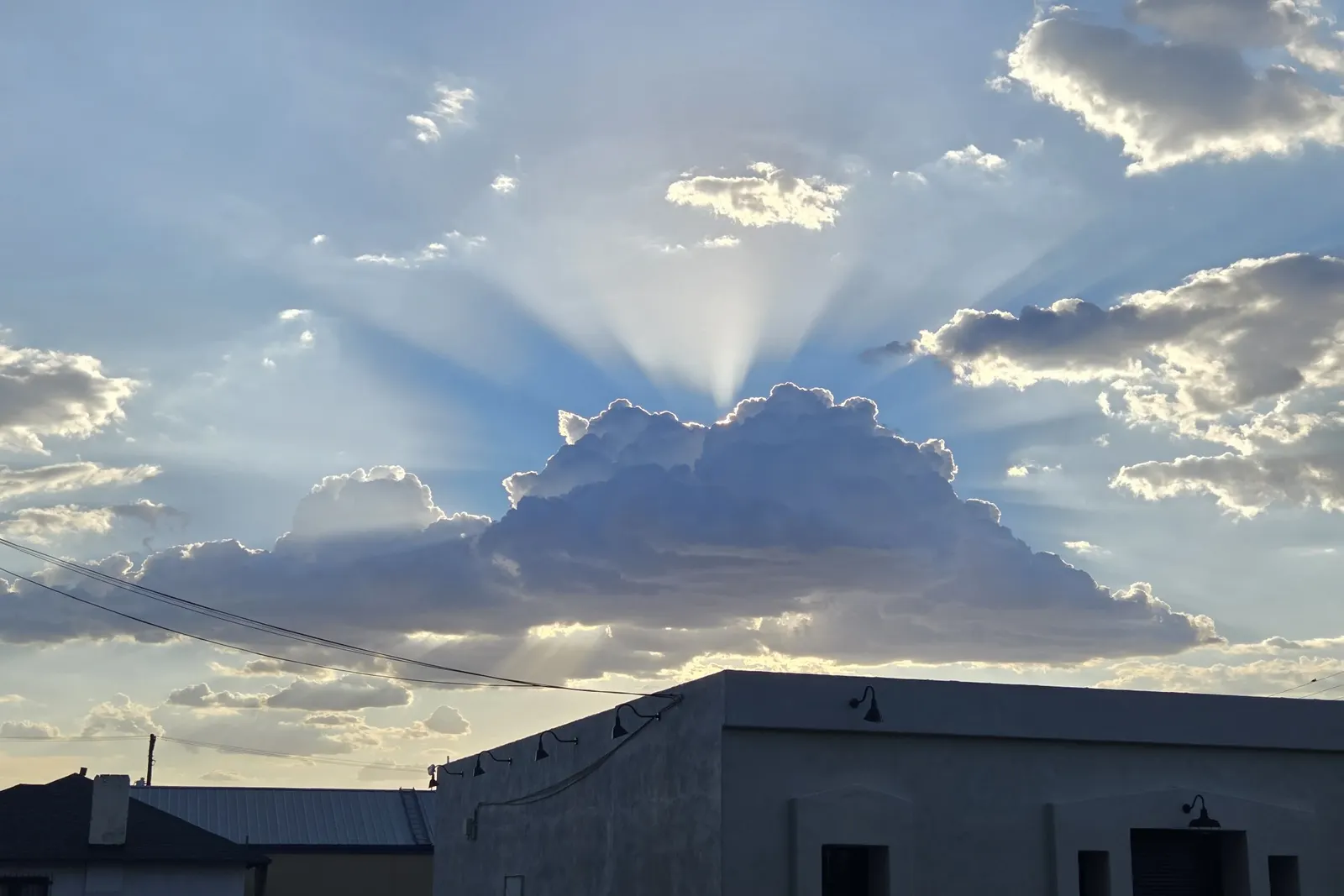
If you’re like the average Tucsonan, monsoon storms are a sight for sore eyes. They seem to bring life back into everything they touch. I remember growing up and, after a big storm, going to the stormwater reservoirs to watch all the toads hopping around. The croaking would carry through the neighborhood and create this harmonic resonance. It’s one of those sounds I will always associate with Tucson.
Of course, these storms also bring lightning, power outages, and those brief power dips that can make our technology act strangely. A computer may shut off unexpectedly. The internet might not come back when the lights do. Here are a few things I recommend checking, without taking unnecessary risks.
Wi-Fi or internet not working after a power outage?
If your power is back but your internet is not, start by checking whether your internet service provider reports an outage. A storm can affect their equipment as well as yours. Your phone’s cellular connection may let you check their outage page when your home internet cannot.
If there is no reported outage, look at your modem and router, or the single device that does both. Are the lights on? Is the surge protector still switched on? If you see water, damage, a burning smell, or anything that looks unsafe, stop there and get the appropriate help rather than handling the equipment.
Otherwise, try restarting the equipment. Use its power button if it has one. If it does not, unplug its power cord, wait about 30 seconds, and plug it back in. If you have a separate modem and router, let the modem start up first, then restart the router. If you have a single modem/router combo, you only need to restart that one device. Give everything several minutes to reconnect, and avoid the recessed reset button. That one can erase settings rather than simply restart the device.
If your Wi-Fi network appears but websites still will not load, the issue may be with the internet connection rather than the Wi-Fi itself. If nothing comes back after the restart, call your internet provider to check the connection and their equipment. If they confirm service is working, the storm or outage may have left you with an equipment or network problem that needs a closer look.
Protecting your computer before a Tucson storm
I recommend using a quality surge protector for computers and other equipment you care about, rather than plugging everything directly into the wall. Belkin, APC, and Eaton (Tripp Lite) are some familiar names, though I wouldn’t claim any particular model is “the best” for Tucson storms. Check that what you’re buying is actually a surge protector, not just a power strip with extra outlets.
A surge protector can reduce the risk from some electrical surges. It is not a guarantee against lightning damage. If you plan to unplug equipment as an added precaution, do it before a thunderstorm arrives, not while lightning is nearby. Your safety matters much more than a computer. For a desktop or important network equipment that needs to stay on through a brief power interruption, a battery backup (UPS) may also be worth considering.
I’m a Tucson native, and I look forward to monsoon season every year. I love what the rain brings, but I know the trouble that can come with it, too. If your computer, Wi-Fi, or office network is still giving you problems after a storm, reach out to IT Wes. Tell me what happened and what you’re seeing, and we’ll figure out the next sensible step together.