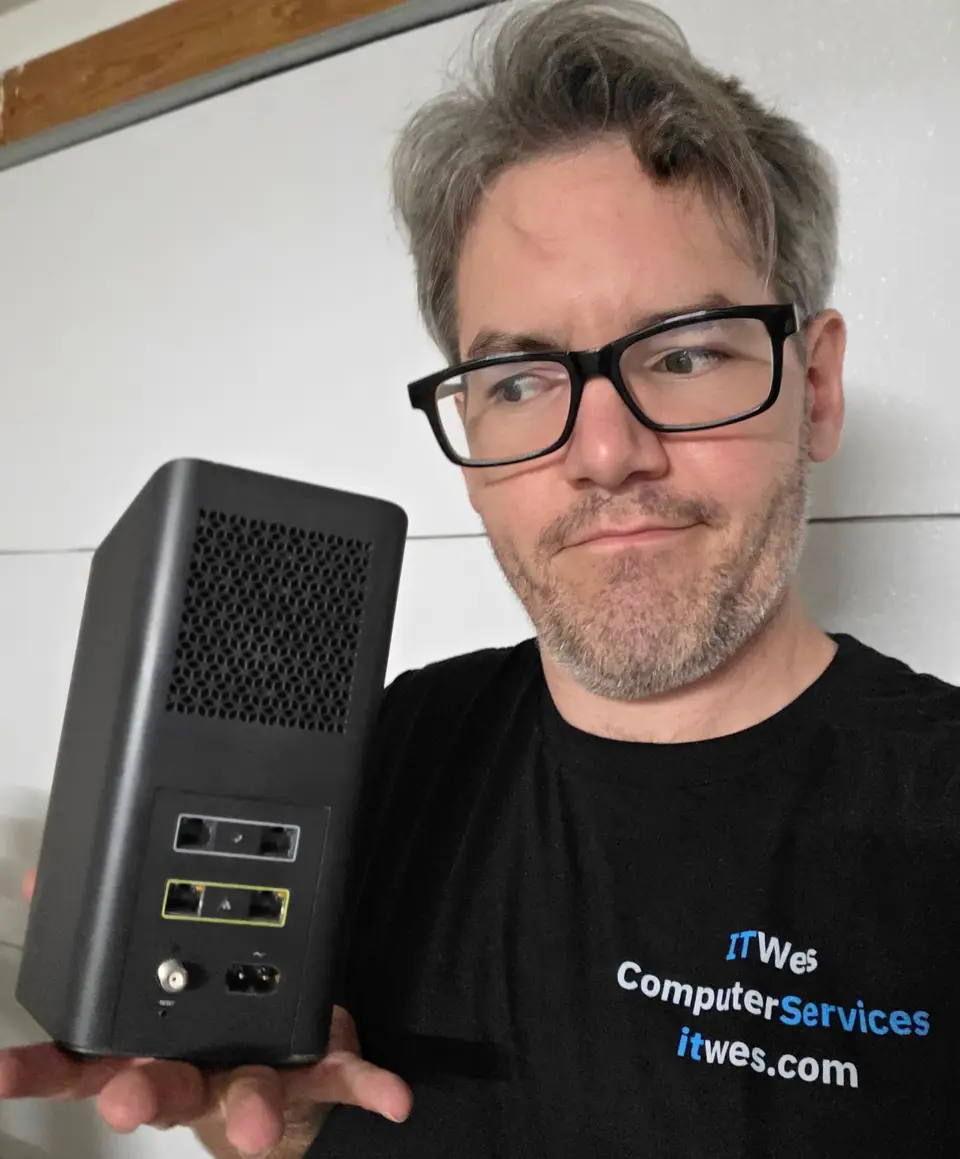
This guide is going to cover things I see often in the field at Tucson homes and businesses. More specifically, how you can get the most out of your internet service provider, or ISP.
We pay these companies thousands of dollars a year, and all too frequently I see that we are not taking full advantage of their services or offerings.
How to get a free modem or router upgrade from your internet provider
If your internet provider is leasing you a modem/router device, there is a good chance that it is outdated. Oftentimes I see devices that are four or five years old, and sometimes even more than 10.
Has your Wi-Fi or internet been sluggish? If you have one of these ISP-provided devices, requesting a replacement is a straightforward and usually free upgrade to your network. Each provider has its own rules on who qualifies, but it costs nothing to ask, and I would ask every year or two. I have received replacement equipment from Cox and Xfinity with little issue.
Wi-Fi router and internet modem technology moves fast. The new device you receive will usually provide a more robust signal and additional features that you can make use of.
Simply call, chat online, or walk into your provider’s local store (Xfinity, or Spectrum, which took over from Cox in Tucson this year) and request a new modem/router. Make sure to point out any supporting factors, such as:
- My device has not been replaced in five years.
- My Wi-Fi is not as fast as it used to be.
- My internet drops out randomly.
Note: If you receive a new router, it will require installation and setup. The process is usually done through the provider’s phone app or via a call to support. Give the new router the same Wi-Fi name and password as the old one, and most of your devices should reconnect on their own. Send the old device back when your provider asks, or you may be charged for it.
If you would rather hand it off, I am here for you. A new router or modem setup usually takes me two to three hours, and my pricing guide shows what that costs. Reach out here.
Do I really need 1,000 Mbps for a home office?
Many of my clients are small home office setups, with two computers, sometimes even one, and one printer. When I see these clients paying hundreds of dollars a month for bandwidth that they will never use, some questions need to be asked.
If you are a light user of streaming services, gaming, downloading movies, and other bandwidth-heavy activities, there is a good chance that a 250 megabits per second, or Mbps, plan, let alone a 500 Mbps plan, is going to be plenty of bandwidth for your use case.
Thankfully, this predicament is resolving in Tucson, as affordable, fast fiber internet is being built across our town. You can read my article about this here.
So this tip is more targeted at the crowd not yet connected to fiber. If you are paying $200 a month for “Gig” internet from a cable internet provider, you can save money by re-evaluating your true bandwidth needs, or seeing if a fiber provider has coverage in your area.
Internet bill went up after the promotion ended? Time for the call them again game

You have seen some version of this ad:
“Get 500 Mbps of blazing fast speeds for only $40 a month!”
“Promotional period of 12 months. After 12 months, you will be charged the regular $189.99 a month.”
Personally, I think this should be illegal. So if your ISP is playing this game, make sure to throw the ball back to them.
If you notice your monthly bill rising abruptly, give them a call.
Request the reason why the bill rose, and a list of all the services you are paying for.
If you notice that you are paying for services you do not even use (such as a landline telephone, smart home services, or premium streaming services), request the new monthly pricing with those items removed.
Be aware that while you are trying to save money on this phone call, they may try upselling you on services you do not need. Insist that your goal is to lower your monthly bill, not raise it.
Were you on Cox? What to check now that you are on Spectrum
If you were on Cox, your account moved to Spectrum in September. I have not seen prices change because of the move, but I have seen better deals from Spectrum since it happened. So it is worth calling to ask exactly what plan you are on and what is available now.
Prefer to talk to someone in person? Spectrum lists four Tucson stores: 3122 N Campbell Ave, 5441 E Broadway Blvd, 760 W Valencia Rd, and 9630 E 22nd St.
If you would like assistance or advice on any of these tips
Please feel free to reach out. Give me a call and we can discuss your true bandwidth needs. I can tell you what I see on other Tucsonans’ service plans, to make sure your plan is in line. IT Wes prides itself on providing honest and patient technology help to Tucson area homes and businesses.