Ahh.. what a wonderful time. The holidays are upon us, filled with friends, loved ones, good food, and good deals!
Many people wait for the big holiday sales to make technology purchases, including laptops and desktop computers.
With this guide, my hope is that you will avoid the marketing schemes that manufacturers use to make a computer sound like a Ferrari when really it’s a moped.
Deal or no deal?
Here are three price tags like the ones I see every Black Friday. I made these up as examples, so they are not real listings. Each one looks good at a glance, and each one has a catch.
Is 8GB of RAM enough for a new laptop or desktop?
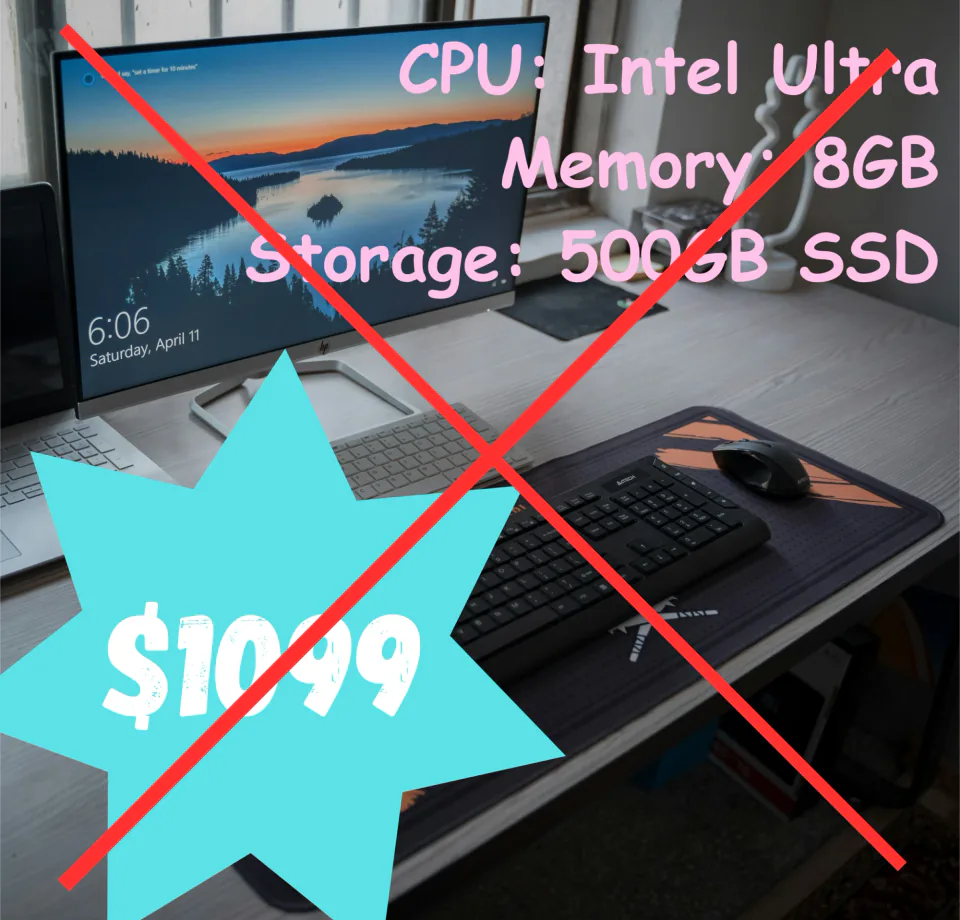
- Avoid: 8GB of memory or less
- Buy: 16GB or more
The short answer is no. With the current operating systems, whether Windows or macOS, 8GB of memory (also called RAM) is not going to allow for multitasking. Shoot for at least 16GB, and 32GB is even better.
Here is an analogy for memory that is very fitting for the holidays.
Think of memory as a pie.
You are sitting at the dinner table and it’s memory pie dessert time with your family. Dad wants a 3GB piece of pie, Mom wants 2GB, and the three kids want a whole GB each.
All 8GB of pie is taken and we haven’t even fed the in-laws! Complaints ensue, and now the holiday dessert is awkward because of a fight over pie.
Now imagine you had a big ole Costco-sized 32GB pie. You are going to have enough pie for everyone and still have leftovers.
Think of each family member as an application. Applications demand memory, and if they don’t have it, they throw a fit and things slow to a crawl or crash out.
Do I need an SSD, or is a hard drive OK for my operating system?
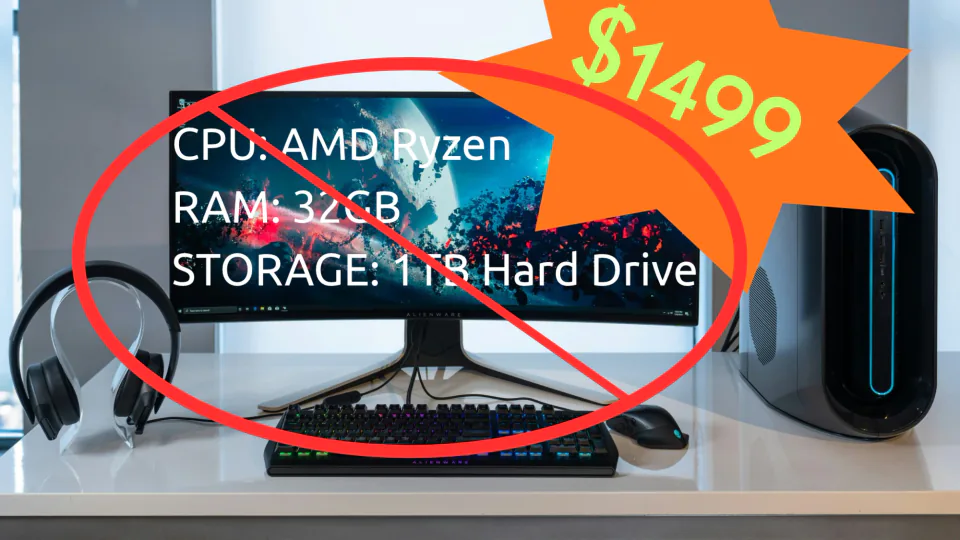
- Avoid: a hard drive as the main storage
- Buy: solid state (SSD) or NVMe storage
It’s kind of hard to find these days, but if you find a computer with a hard drive as its main storage device for the operating system, avoid it at all costs.
The time it takes to boot up your computer, load applications, or transfer files all depends on the storage drive used.
Computers in the current market do tend to have solid state drives (SSDs) or NVMe (Non-Volatile Memory Express) drives.
Ensure the computer you are buying has either NVMe or SSD storage. NVMe drives do tend to run much faster than SATA SSDs, but SATA SSDs still run leagues faster than hard drives.
- NVMe speed: up to 14,000 MB/s read/write
- SATA SSD speed: about 550 MB/s read/write
- Hard drive speed: about 80 to 160 MB/s read/write
Note: If you are running a hard drive as your main drive in your current computer, an upgrade to either an SSD or NVMe drive will be a night and day difference. It truly brings new life to your system.
How much storage do I need on a new laptop or desktop?
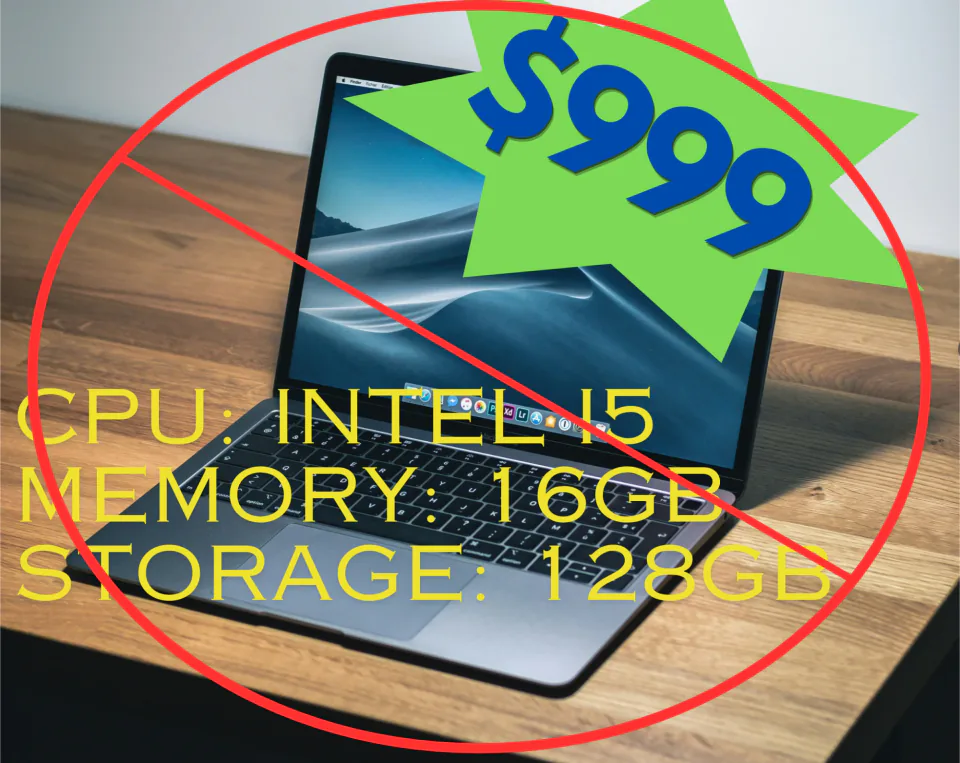
- Avoid: 256GB or less
- Buy: 500GB or more, depending on use
All too often I see deals on laptops that only have 128GB or 256GB of storage.
Software, and especially games, are getting enormous. It is not uncommon for a video game to take up 50GB of storage space these days.
128GB is a severely limiting amount of storage. With Windows 11, you will run out of storage just from the updates that Microsoft will push to your device.
256GB will allow these updates, but if you install any number of apps and store photos and videos, you will run out.
A happy medium is 500GB if you are a general user who stores a number of photos (around 3,000) and doesn’t play many games.
1TB minimum quickly becomes the requirement if you store many videos and photos, or install many video games on your PC.
Not sure if it is a deal?
If you would like a second opinion on a deal before you buy, or help setting up the new computer and moving your files over from the old one, please feel free to reach out. IT Wes prides itself on providing honest and patient technology help to Tucson area homes and businesses.